
Anniversaries and Valentine's
An AI anniversary video, made from your own photos
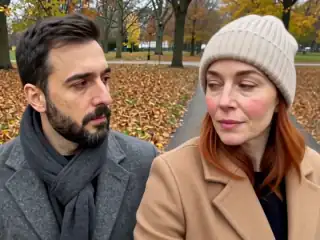
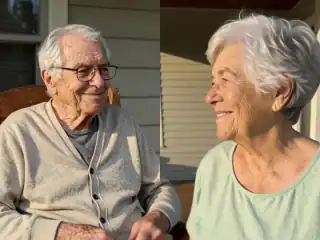
Take the photo from your first date, your wedding or last summer, and AI Kiss turns it into a short clip of the two of you kissing, slow dancing or re-living the proposal, an MP4 with sound. It takes about a minute, so it works even when you remember the date this morning.
No sign-up · Ready in under a minute · Runs in your browser
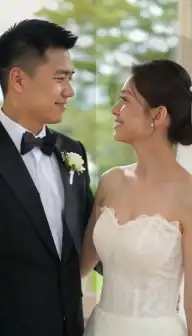
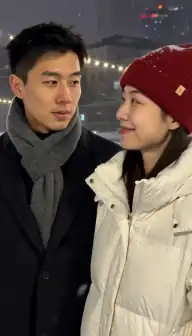
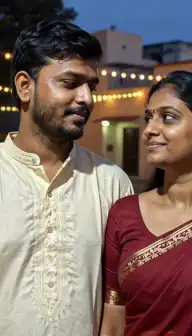
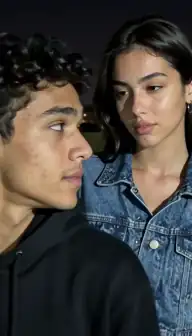
Sample AI Kiss output clip, looping. Tap the speaker to hear the sound it was generated with.
What you get
- Typical wait
- Under a minute
- Clip length
- 5, 10 or 15 s
- Format
- MP4 with sound
- Install
- Nothing
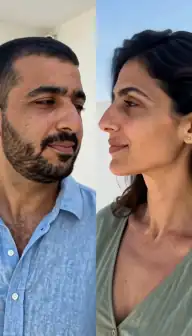
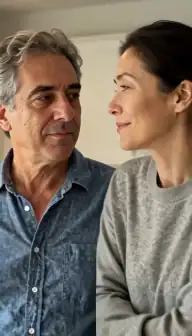
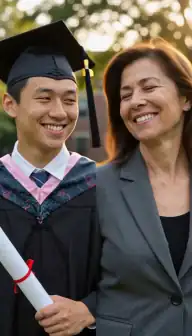
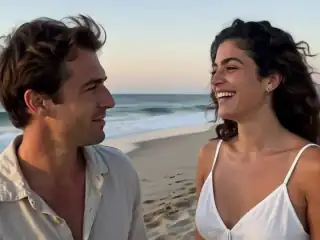
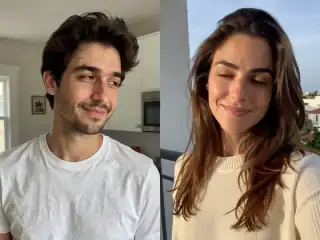
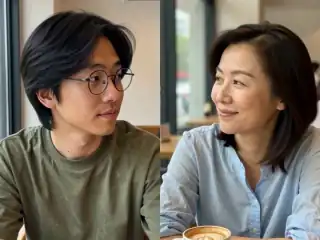
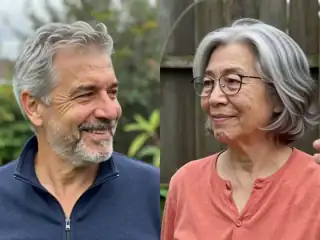
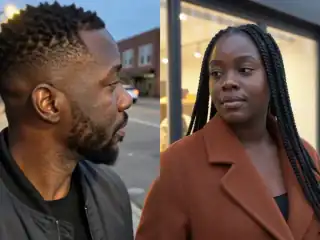
No account
No sign-up, no email, no password.
Photos stay yours
Used for your clip, then deleted.
Stripe checkout
Card details never reach us.
One-time payment
No subscription, nothing renews.
How it works
From two photos to a clip of 5, 10 or 15 seconds
Three steps in the browser. Generation usually takes under a minute.
- Step 1
Choose the photo that means something
One photo of you both from an important day, or one photo of each of you. Sharp faces matter more than how recent it is.
- Step 2
Pick the moment
Kiss, Slow dance, Forehead kiss or Proposal, or describe your own with Custom: "they clink champagne glasses and kiss".
- Step 3
Make two or three versions
Same photos, different styles or lengths. Keep the best one, or put them together in a video editor.
- Step 4
Give it
Send the MP4 at midnight, play it on the TV at dinner, or add it to a slideshow of the year.
Details
Photo requirements
Most failed generations come down to the source photos, not the model. These are the ones that matter.
- Faces that are sharp and big enough to read. A blurry favourite photo gives a blurry clip.
- Eyes and mouths visible: no sunglasses, hands or glasses of champagne over the face.
- For old prints, a flat, glare-free scan or phone photo in daylight, border cropped.
- For two separate photos, similar light and framing in both.
- JPG, PNG or WebP.
- Your own photos. If it is a surprise, keep it private until your partner has seen it.
Which photo to start from
The best anniversary clips start from a photo that already carries the story. Three that work particularly well:
- The first photo of you together. Animate it into a kiss and you have the moment that photo was almost of. If you have it as one picture of both of you, use one-photo mode.
- The wedding or engagement photo. Slow dance or Forehead kiss suit a formal pose better than a full kiss.
- Two separate photos from the year you met. If you never took one together, one photo of each of you from that time puts you in the same frame.
Styles for the occasion
Every style costs the same for the same length, so it is worth trying more than one. The full list, with what happens in each clip, is on the video styles page.
| Style | Good for |
|---|---|
| Kiss | The classic. Soft kiss, then foreheads together |
| Slow dance | Wedding anniversaries, "our song" messages |
| Forehead kiss | Tender rather than romantic-comedy; suits older photos |
| Proposal | Re-living the day you got engaged, or a playful re-proposal |
| French kiss | Valentine's Day, for a private message only |
| Custom | Your own detail: a toast, a whisper, a twirl |
Old photos and the "then and now" idea
Scanned prints from years ago work if the faces are in focus. Photograph or scan the print flat in daylight, avoid glare from the lamp, and crop away the white border before uploading.
A popular twist is to pair photos from different years: a photo of each of you from when you met, or one partner then and the other now. Faces from different decades in different light are harder for the model, so expect to try more than once. A failed generation refunds its credits automatically, so a retry is not a second purchase.
Turning a 15-second clip into a gift
The clip itself is short: 5, 10 or 15 seconds. What makes it a gift is the setting. A few ideas that need nothing beyond the MP4:
- Send it at midnight on the day, with one line about the original photo.
- Make three clips from three different years and join them in CapCut, iMovie or any free editor, with your song underneath.
- Play it on the TV during dinner, straight from your phone.
- Pair it with a printed copy of the original photo, so the clip is the surprise and the photo is the keepsake.
- For Valentine's, make it in 9:16 and send it as a Story-sized video in your chat.
Last-minute, and private
Because it runs in the browser with nothing to install and no account to create, it is genuinely a five-minute job: find the photo, upload, wait about a minute, download. That is the honest pitch for a forgotten anniversary.
The clip appears in My videos in your own browser only. Photos you upload are combined into a single frame in your browser before anything is sent, and the privacy and safety guide explains what happens after. If you want to keep the surprise, simply make it on your own phone.
Consent & safety
An AI kiss video puts two real faces in a scene that never happened. That only works if everyone in the frame is fine with it, so these rules are not optional.
Only photos you are allowed to use
Use photos of yourself, or of people who agreed to appear in the video. No public figures without their consent.
No minors, ever
AI Kiss is for adults and the people they have permission to include. Photos of children are not allowed.
Nothing explicit
The generated clip is a short, PG-style kiss or hug. Sexual, hateful or harassing content is against the Terms.
Your files, your call
Photos are uploaded to generate the clip and videos are stored on your anonymous account. Ask us to delete them and we will.
Full detail lives in the Terms of Service and the Privacy Policy. Deletion requests go to privacy@aikiss.app.
FAQ
Questions people actually ask
Can I make an anniversary video from our photos with AI?
What is a good last-minute anniversary gift?
Can I use our wedding photo?
Does it work with old printed photos?
Can I add our song to the video?
How long is the video?
Keep reading
Related pages
Other tools
From the blog
- 25 AI Kiss Video Ideas Worth Actually MakingTwenty-five AI kiss and hug video ideas grouped by occasion, each with a one-line tip on how to shoot or pick the two photos so the generation holds together.
- AI Kiss Videos on Instagram: Best PracticesWhere an AI kiss video belongs on Instagram, why 9:16 wins, how to write the caption, how to handle AI disclosure and consent, and the mistakes to avoid.
- AI Kiss Photo Requirements: Why Generations FailFace size, angle, lighting, resolution, glasses and group shots decide whether an AI kiss video works. What to look for, why it matters, and a checklist.
Ready to try it?
Upload two photos, pick a style, and get a short clip back in under a minute.