
You do not need two separate photos. If you already have a picture of the two of you together, switch the app to One photo, upload it, and pick Kiss, Hug or any other style. The people in it come to life in a single clip of 5, 10 or 15 seconds, an MP4 with sound.
No sign-up · Ready in under a minute · Runs in your browser
Sample AI Kiss output clip, looping. Tap the speaker to hear the sound it was generated with.
What you get
- Photos needed
- Just one
- Clip length
- 5, 10 or 15 s
- Format
- MP4 with sound
- Typical wait
- Under a minute
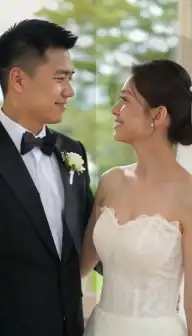
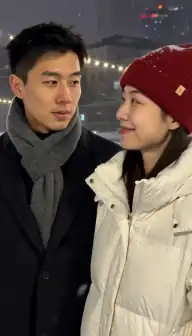
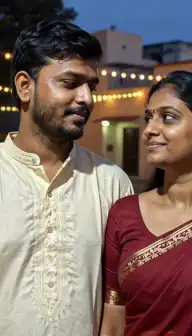
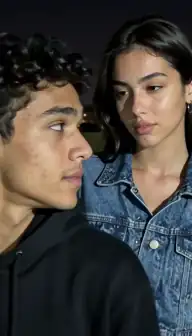
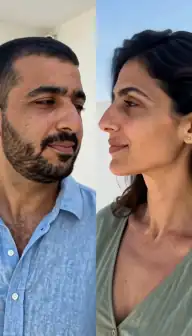
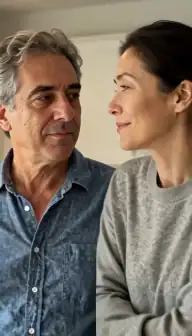
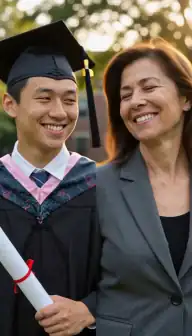
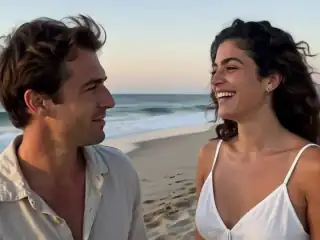
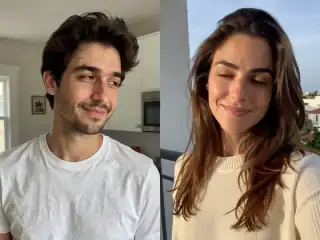
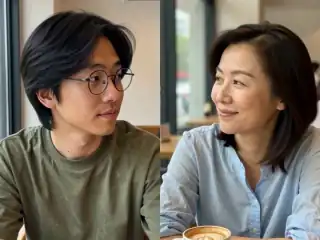
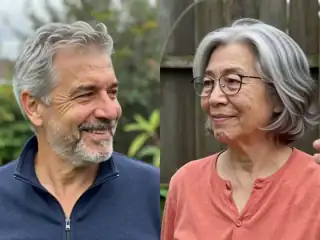
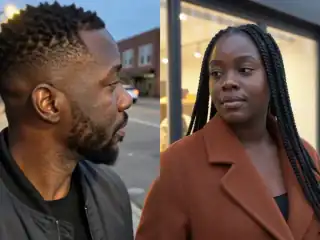
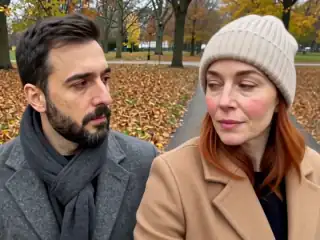
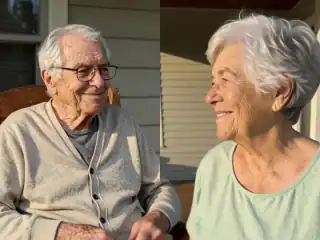
No account
No sign-up, no email, no password.
Photos stay yours
Used for your clip, then deleted.
Stripe checkout
Card details never reach us.
One-time payment
No subscription, nothing renews.
How it works
From two photos to a clip of 5, 10 or 15 seconds
Three steps in the browser. Generation usually takes under a minute.
- Step 1
Switch to One photo
In the create view, tap "Use one photo" (or "or one photo of you both" on this page). The two upload tiles become one.
- Step 2
Upload the photo of you both
Both faces visible and reasonably large. A photo where you stand side by side or cheek to cheek is ideal.
- Step 3
Pick the shape that matches the photo
A landscape photo fits 4:3, a portrait phone photo fits 9:16. The photo fills the whole frame, so a mismatched shape crops the edges.
- Step 4
Choose a style and create
Kiss, Hug, Cheek kiss, Selfie and the rest all work from one photo. The clip is usually ready in under a minute.
Details
Photo requirements
Most failed generations come down to the source photos, not the model. These are the ones that matter.
- Both people clearly visible, close enough that each face is more than a small figure in the background.
- Faces turned roughly towards the camera, or towards each other, with eyes visible.
- Just the two of you. Crop out other people first: the model has to know who kisses whom.
- Nothing covering the mouths: no hands, glasses of wine or masks in the way.
- JPG, PNG or WebP. Scans of old prints are fine if they are sharp.
- Only photos of you, or of adults who agreed. No minors, no public figures without consent.
When one photo is the better choice
Two separate photos are the default because most people do not have a good picture of the two of them together, or want to put together two people who were never photographed side by side. If you do have that picture, it is usually the better input. The light, the scale of the two faces and the background already agree, so the model has nothing to reconcile and the clip looks like the moment it came from.
It is also the right mode for re-creating a real memory: a wedding photo that becomes a kiss, a holiday selfie that becomes a hug, the first photo you ever took together turned into an anniversary clip.
How the photo is framed, and why the shape matters
In one-photo mode the app scales your photo to fill the whole frame, keeping its proportions, and trims whatever sticks out. That happens in your browser before anything is uploaded. It means the frame shape decides the crop: a wide landscape photo dropped into the tall 9:16 frame loses its left and right edges, and a tall portrait photo in the 4:3 frame loses its top and bottom.
So pick the shape that matches the photo, not the one that matches where you will post. If both of you sit near the edge of a landscape picture, choose 4:3, or crop the photo yourself first so the two faces are near the middle.
| Your photo | Choose | Why |
|---|---|---|
| Landscape (wider than tall) | 4:3 | Keeps both people when they stand apart |
| Portrait phone photo | 9:16 | Fills the frame with no crop at the sides |
| Square, both near the centre | Either | Only the edges are trimmed |
| Group photo | Crop first | Leave only the two people in the picture |
Which styles suit an existing pose
The model starts from the pose in your photo, so the closest styles to that pose look the most natural. Two people already cheek to cheek move into a Kiss, a Cheek kiss, a Selfie or Laugh together with very little invented movement. Two people standing a step apart suit a Hug, Hold hands or Slow dance, where stepping in is part of the action.
Every style is listed, with what happens in each one, on the video styles page. The price depends only on the length, so trying a second style on the same photo costs one more generation and nothing else.
Old photos and scanned prints
Older couple photos work well in this mode, because what matters is focus and face size, not age. Scan or photograph the print flat, in daylight, without glare, and crop away the white border.
What a single old photo cannot do is fix a face that is tiny or blurred in the original. If the two of you are small figures in a landscape, the result will be soft. In that case two separate close-up photos, even from different years, usually give a better clip than one distant shot.
Where your photo goes
The photo is read, resized and framed on a canvas inside your browser, and that single composed frame is what is uploaded for generation, not your original file. There is no account to create. The privacy and safety guide and the privacy policy cover what is kept and how to ask for deletion, and is AI Kiss safe? answers the payment questions.
Consent & safety
An AI kiss video puts two real faces in a scene that never happened. That only works if everyone in the frame is fine with it, so these rules are not optional.
Only photos you are allowed to use
Use photos of yourself, or of people who agreed to appear in the video. No public figures without their consent.
No minors, ever
AI Kiss is for adults and the people they have permission to include. Photos of children are not allowed.
Nothing explicit
The generated clip is a short, PG-style kiss or hug. Sexual, hateful or harassing content is against the Terms.
Your files, your call
Photos are uploaded to generate the clip and videos are stored on your anonymous account. Ask us to delete them and we will.
Full detail lives in the Terms of Service and the Privacy Policy. Deletion requests go to privacy@aikiss.app.
FAQ
Questions people actually ask
Can I make an AI kiss video from just one photo?
Is one photo or two photos better for an AI kiss video?
Can I use a group photo?
Why did my photo get cropped?
Can I make a single photo of my partner kiss me?
Does it work with old couple photos?
Keep reading
Related pages
Other tools
From the blog
- AI Kiss Photo Requirements: Why Generations FailFace size, angle, lighting, resolution, glasses and group shots decide whether an AI kiss video works. What to look for, why it matters, and a checklist.
- How to Make an AI Kissing Video From 2 PhotosThe exact two-photo workflow for making people kiss with AI: one person per photo, matching light and angle, choosing the aspect, cost, and fixing failures.
- 25 AI Kiss Video Ideas Worth Actually MakingTwenty-five AI kiss and hug video ideas grouped by occasion, each with a one-line tip on how to shoot or pick the two photos so the generation holds together.
Ready to try it?
Upload two photos, pick a style, and get a short clip back in under a minute.